
Always caught up
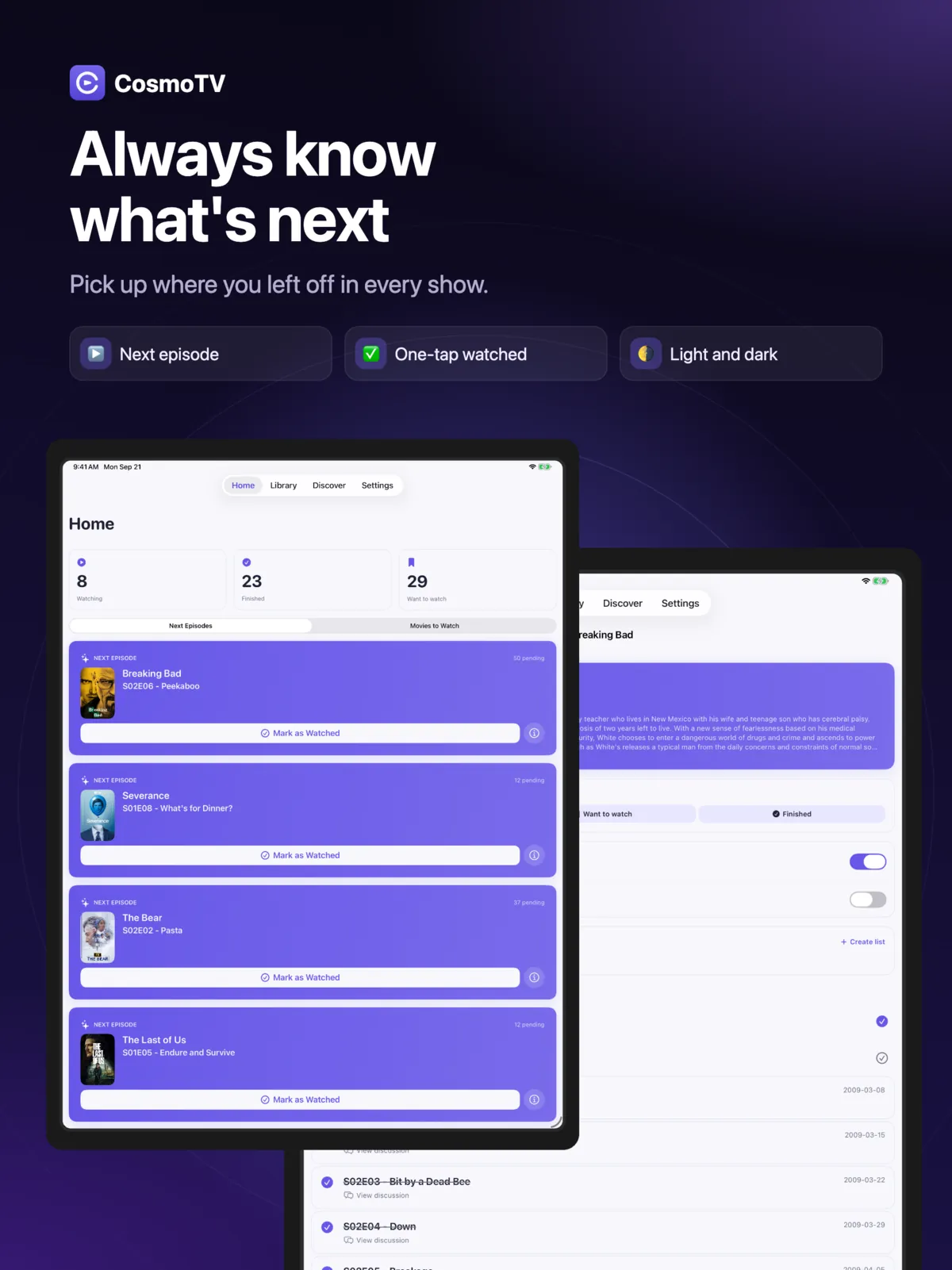
One queue with the next episode of every show you follow. Mark it and the queue moves on.
Try it: mark the episodes you've seen
Season 1
Next up: S1·E4
E01For people who follow a lot of shows, anime and movies
No more guessing which episode you stopped at. CosmoTV keeps the next episode of every show ready, brings your TV Time history along and stores it all on your device.
On the App StoreiPhone · iPadBetaAndroidWeb · Coming soon
E02Coming from TV Time?
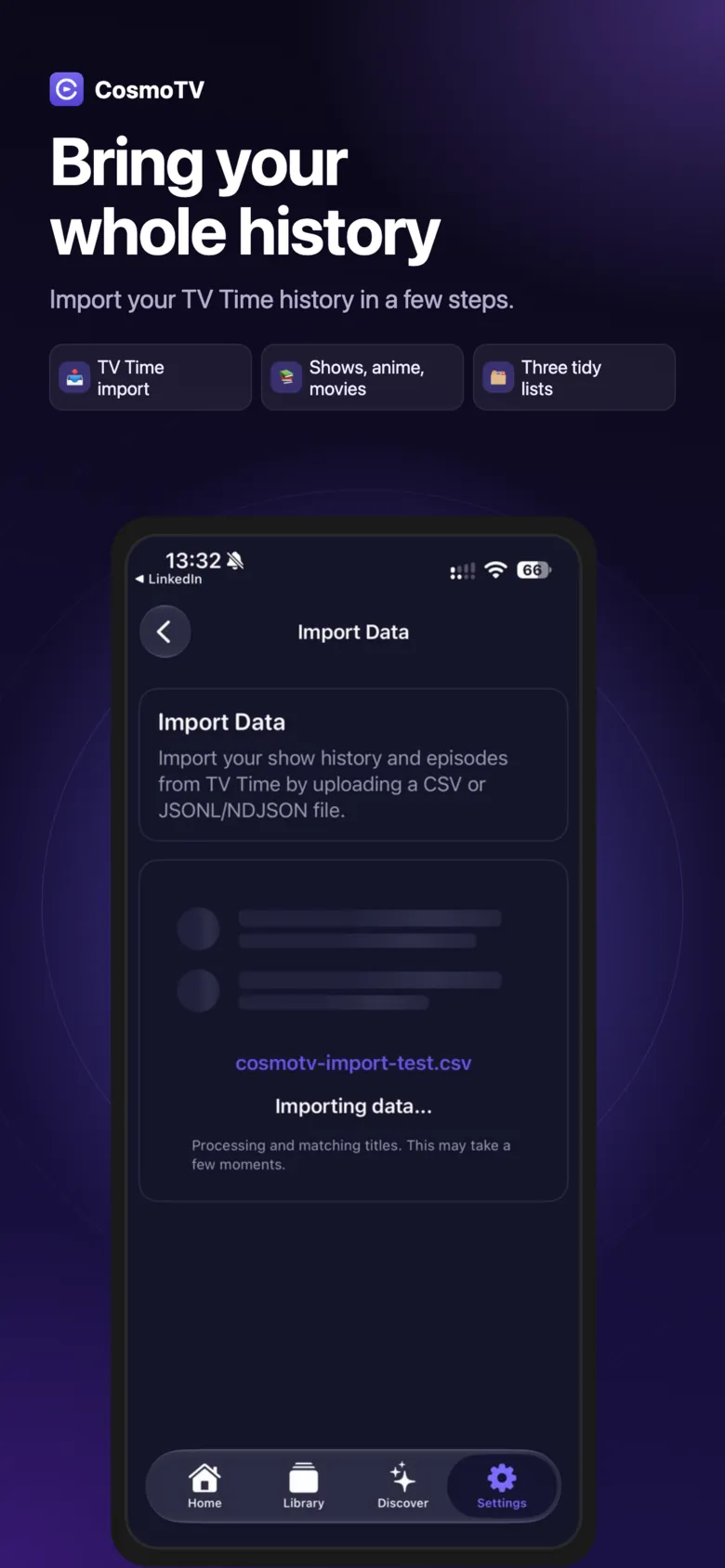
Import what you watched on TV Time from a CSV or JSONL file. CosmoTV matches each title to the catalog and hands your library back, ready to keep going.
E03Less searching, more watching
Everything on this list is free. Pro adds stats, syncing and a few extras.
One queue with the next episode of every show you follow. Mark it and the queue moves on.
Try it: mark the episodes you've seen
Season 1
Next up: S1·E4
Save movies for another night and mark the ones you have seen.
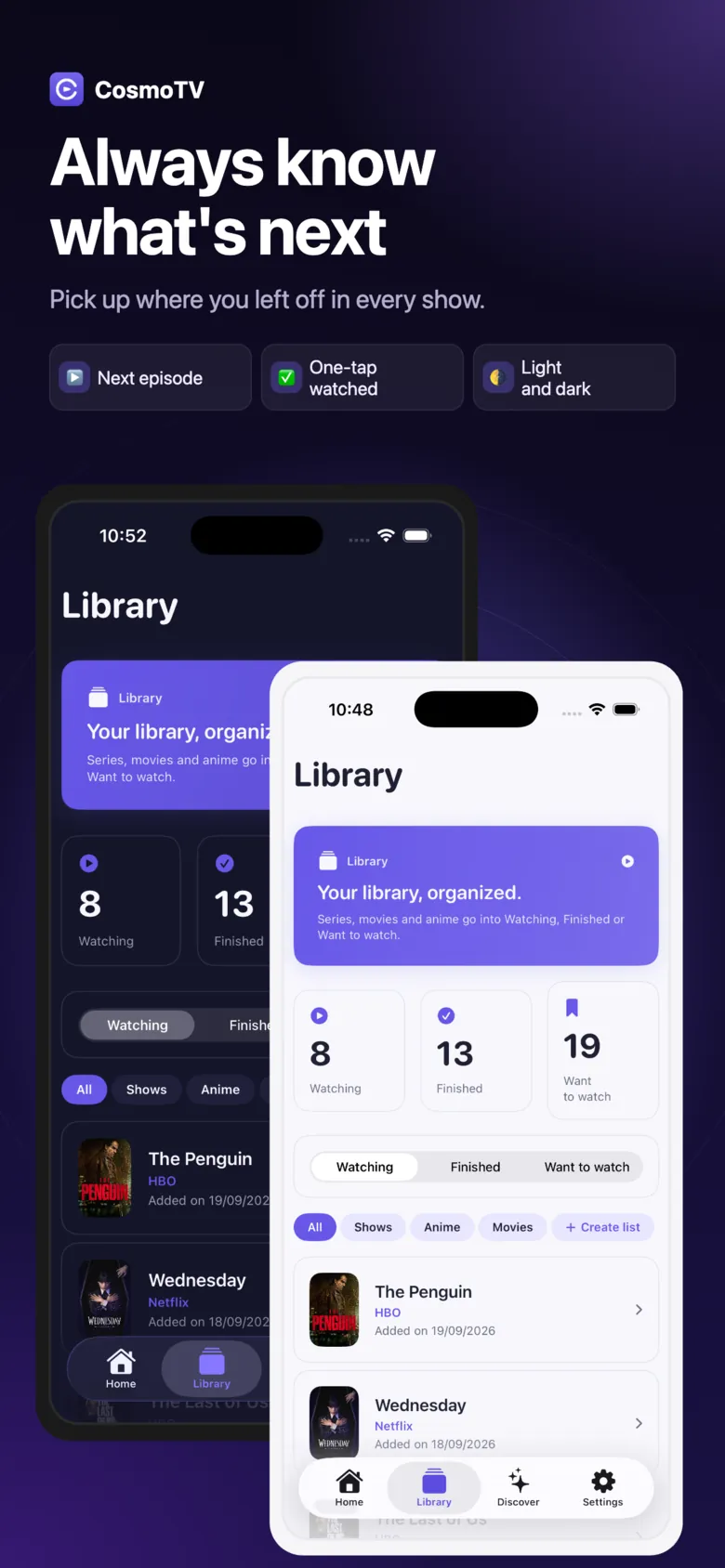
Shows, anime and movies in three lists: Watching, Finished and Want to watch. Switch lists from any screen.
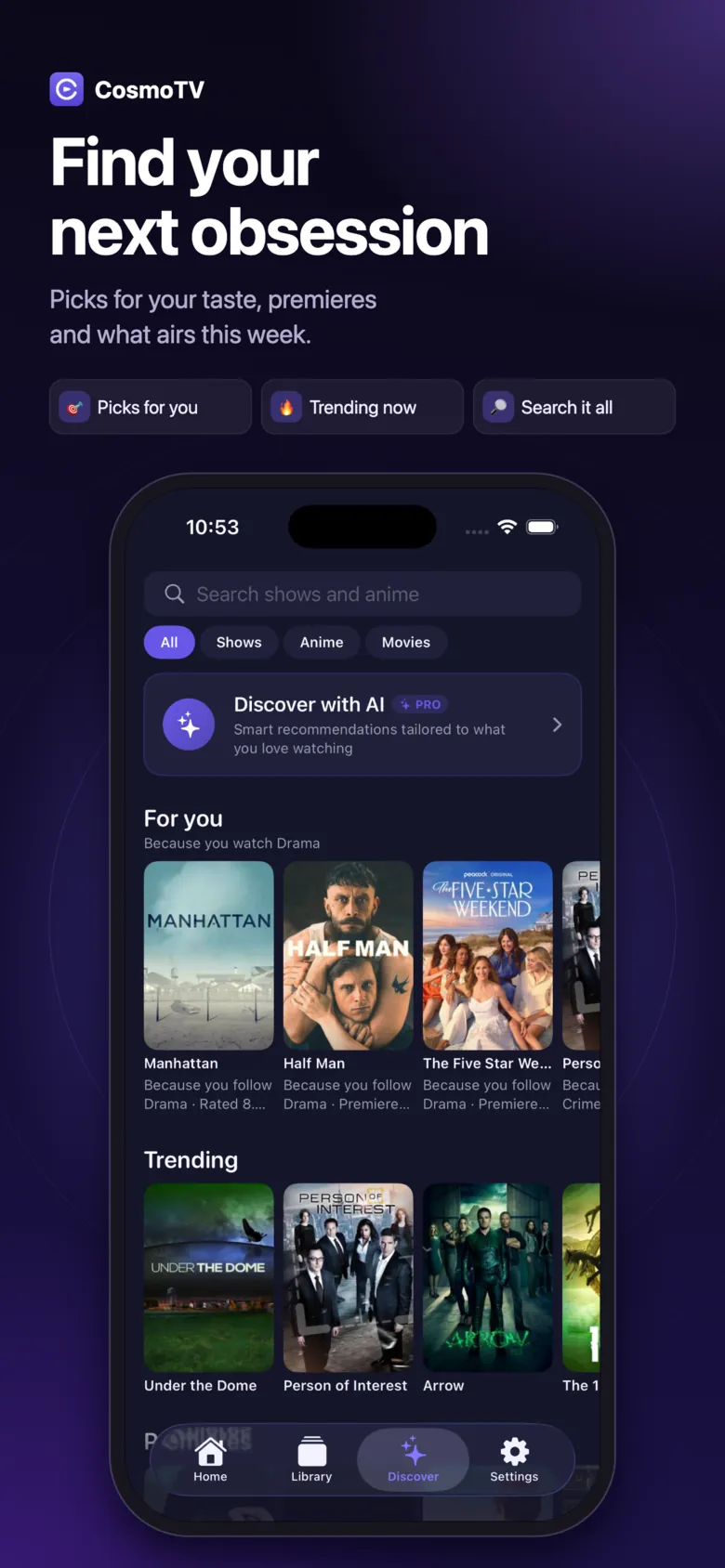
Picks for your taste, new premieres and what airs this week.
A heads-up on the day each new episode of your shows airs.
Search shows, anime and movies, check the details and add them to your library.
E04Inside the app
Real CosmoTV screens on iPhone and iPad. Pick a story and a device.
Screen
Device
Discover: picks for your taste, what's trending and search across shows, anime and movies.
E05Free to follow. Pro to go further.
Following shows, marking episodes, importing, exporting and getting reminders is free. CosmoTV Pro adds what matters to people who watch a lot.
Everything you need to keep up.
Free
For people who live on shows.
Monthly
R$8.90/ month
YearlyBest value
R$89.90/ year
Save 15% · Works out to R$7.49 a month
Monthly or yearly auto-renewing subscription, billed and cancelled through your device's app store. Prices in Brazilian reais (BRL).
CosmoTV is on the App Store for iPhone and iPad. Android is in beta testing, and the web version comes later.
Android · Beta
Google asks for 12 testers over 14 days before the app opens to everyone. It takes three taps:
After installing, sign in or create your account inside the app. Pro unlocks right away, no code needed.
Stay in the test for 14 days; you don't need to use the app every day.
E06Before you ask
CosmoTV is on the App Store for iPhone and iPad. On Android it is in beta testing: follow the three steps in the Android section of this page to join and install it from Google Play. The web version has no date yet.
Yes. CosmoTV imports your TV Time history from a CSV or JSONL file and matches the titles to rebuild your library.
No. Without an account, your library stays on your device. Syncing across devices is optional and part of CosmoTV Pro.
R$8.90 a month or R$89.90 a year, auto-renewing. The yearly plan is 15% cheaper than twelve months of the monthly one. Following shows, marking episodes, importing, exporting and reminders stay free.
Any time: export your library to CSV, JSON, PDF or Excel. If you have an account, you can also ask us to delete it and its data.
Delete your account →No. The Pro suggestions are generated on your own device, and your library isn't sent to outside AI services.
E07Now available
Download it for iPhone and iPad. On Android or waiting for the web? Leave your email and we'll tell you when it opens to everyone.
Download on the App StoreWe only use your email for this notice. Privacy policy